|
|
| (One intermediate revision by the same user not shown) |
| Line 1: |
Line 1: |
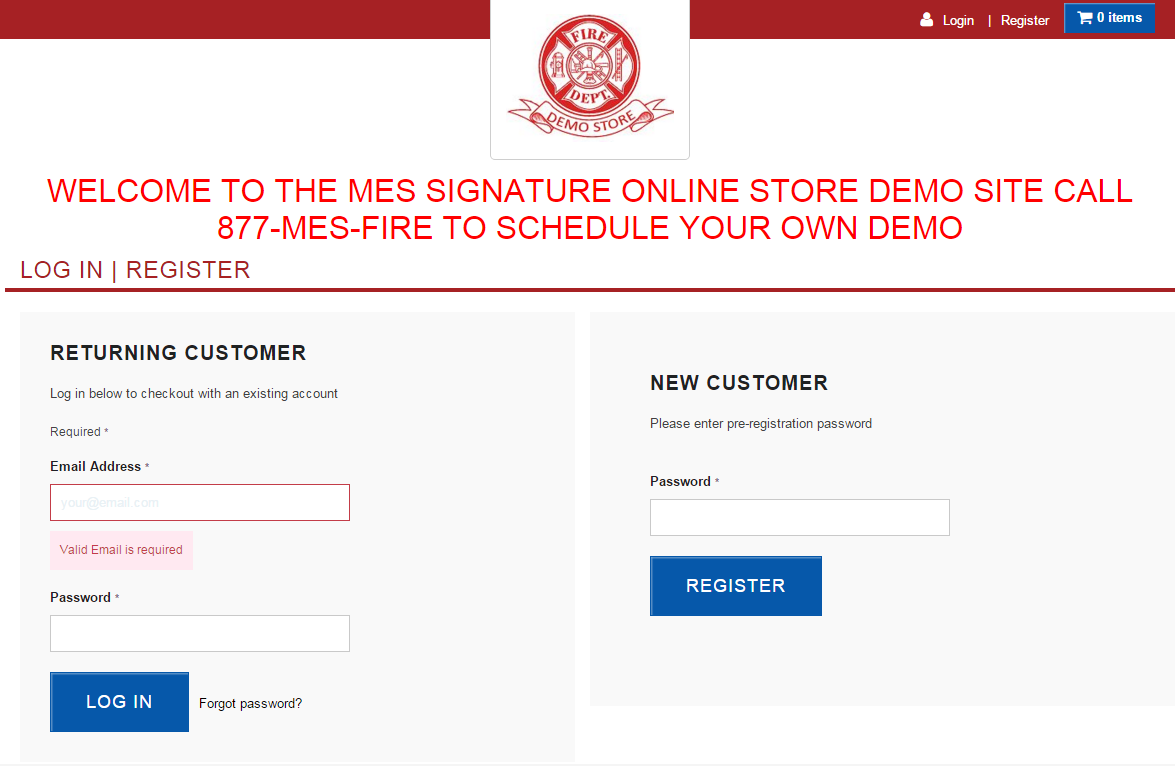
| − | ===For this example I will be logging into the [https://secure.sosmes.com/sosmes/checkout.ssp?_od=ZGVtby5zb3NtZXMuY29t&is=login&origin=home&login=T#login-register Demo Store]===
| + | Welcome to the SOS MES NetSuite Platform Walk-Through! |
| − | | + | :[[File:ClipCapIt-160219-103303.PNG]] |
| − | This is the layout of how your store will be set up when you first log in.
| + | |
| − | :[[File:ClipCapIt-160219-100551.PNG]]
| + | |
| − | You can log in with your valid username (email address) and password
| + | |
| − | :[[File:ClipCapIt-160219-101108.PNG]]
| + | |
| − | OR if your store allows self-registration, users who register to the site will need to be approved by a store Administrator. You MUST have the common password for your store to begin this process!
| + | |
| − | :[[File:ClipCapIt-160219-101311.PNG]] | + | |
| − | Once you type in the common password, begin to fill out your information for your account.
| + | |
| − | :[[File:ClipCapIt-160219-101620.PNG]]
| + | |
Latest revision as of 15:37, 19 February 2016
Welcome to the SOS MES NetSuite Platform Walk-Through!